Amazon title guidelines: How brands stay visible
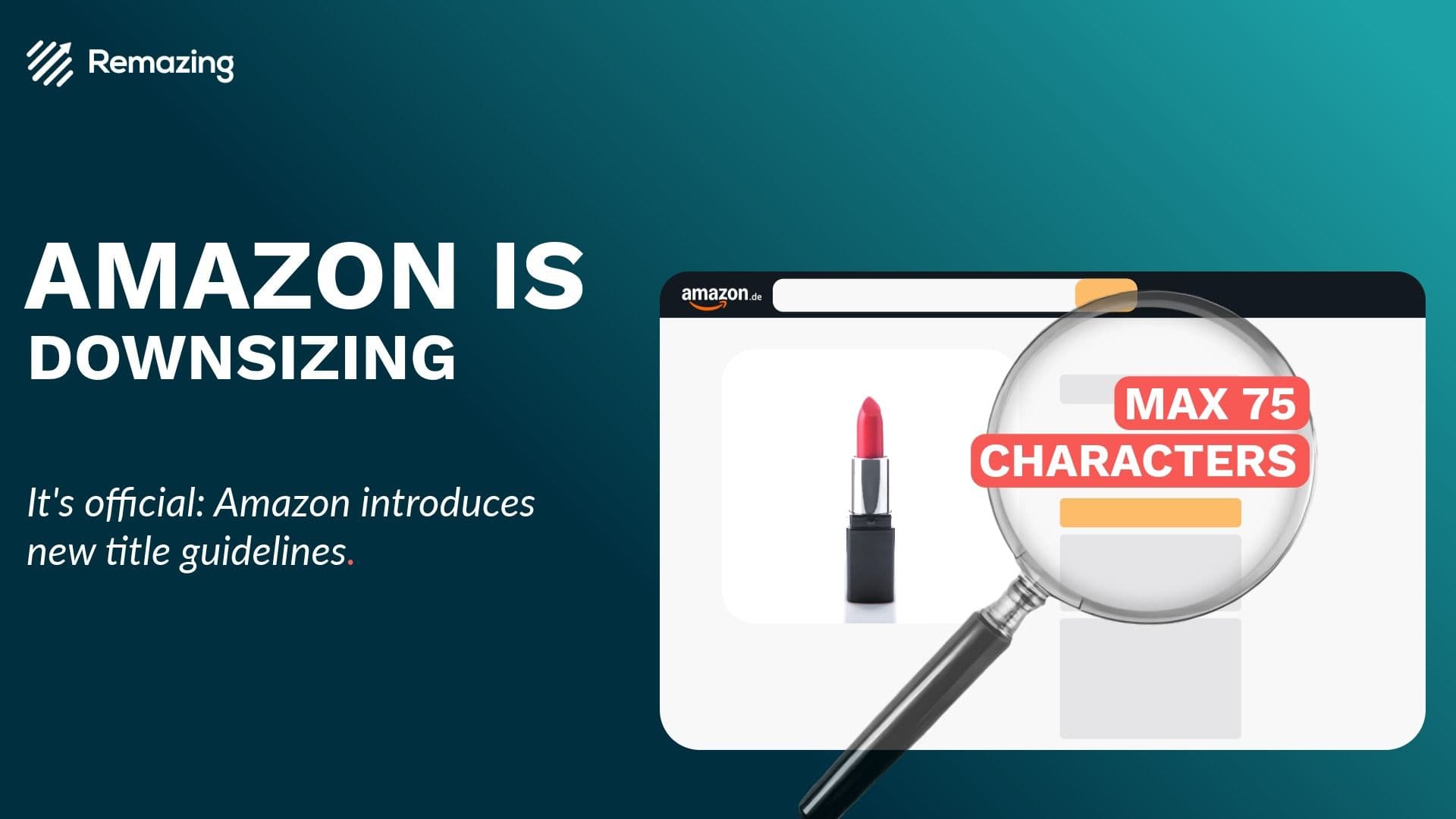
The new Amazon title guidelines change how brands need to structure product information. Product titles that were previously built around up to 200 characters will now be capped at 75 characters. The remaining information moves into a new field, Item Highlights, which can carry up to 125 additional characters.

For enterprise brands and sellers, this is not a cosmetic content update. It affects visibility, Amazon SEO, conversion and listing governance. Titles need to work harder with fewer words. Keywords removed from titles need a new home. Non-compliant listings risk receiving AI-generated titles, which can reduce brand control over one of the most important product fields.
The shift creates pressure, but it also creates a useful forcing function. Brands now need to remove title clutter, prioritize the strongest product signals and build a clearer information architecture across the listing.
What the Amazon title guidelines change
The biggest change is the title limit. Amazon product titles will be reduced to a maximum of 75 characters. Long titles built from product type, variant, benefit claims, category terms and keyword sequences will no longer fit.
Amazon introduces Item Highlights as the supporting field. This allows brands to keep additional product information visible, but in a more structured way. The total available space still supports up to 200 characters across title and highlights, but the role of each field changes.
The title becomes the high-impact summary. It should identify the product quickly and help shoppers understand whether the item is relevant. Item Highlights carry supporting information such as benefits, features, secondary search terms or differentiating attributes.
A beauty listing illustrates the change. A long title such as “Lasting Finish Lipstick 286 Hot Pink 3.5g, Long-Lasting Color with Moisturizing Formula, Highly Pigmented Full Coverage Lip Color” becomes a shorter title such as “Lasting Finish Lipstick 286 Hot Pink 3.5g.” Additional information including “Long-Lasting Color,” “Moisturizing Formula” and “Full Coverage Lip Color” can move into Item Highlights.
This is where compliance becomes strategic. A title that simply gets cut down may meet the character limit but lose search or conversion value. A title that is rebuilt properly can become clearer, more shopper-friendly and easier to scale across a large catalog.
Why shorter Amazon product titles affect SEO and conversion
Amazon product titles carry multiple responsibilities. They support search relevance, provide product clarity, communicate variant information and influence click behavior. With only 75 characters, brands need to be more deliberate about every word.
Titles become a prioritization field
Every character needs a clear job. Brand, product type, variant, size, color and compatibility should only stay in the title when they are relevant to search and purchase decisions. Supporting claims belong in Item Highlights, bullet points, A+ Content or backend fields.
This changes title optimization from writing to prioritization. Teams need to decide which information creates the highest value in the most visible field. That decision will differ by category. A beauty product may need shade and finish. An electronics product may need model and compatibility. A grocery product may need pack size and flavor.
Keyword strategy needs redistribution
Many legacy Amazon titles were built as keyword containers. That approach becomes harder under the new guidelines. Search terms removed from titles should not simply disappear. They need to be redistributed across Item Highlights and other relevant content fields.
Item Highlights should not be treated as leftover space. They should become a structured SEO and conversion field. The goal is to preserve relevant search signals while improving readability. Keyword-stuffed highlights would repeat the same old problem in a new field. Strong highlights explain what matters about the product in concise, shopper-oriented language.
Clarity can improve conversion
Shorter titles are not only a constraint. They can also improve the shopper experience. Long titles are difficult to scan, especially on mobile. A precise title can help shoppers identify the product faster and reduce friction in search results.
The risk appears when teams cut titles without a system. Removing the wrong term can weaken relevance. Moving keywords inconsistently can hurt content quality. Treating every category with one generic template can create poor results. The new guidelines reward brands that combine compliance with clear merchandising logic.
How brands should move key terms into Item Highlights
The first operational step is a full title audit. Brands should review existing titles by character count, keyword usage, category logic, compliance risk and commercial value. The priority should be high-revenue ASINs, paid-media-supported listings, seasonal products and listings with strong organic visibility.
A useful audit answers four questions:
- Which titles exceed 75 characters.
- Which terms are essential for product recognition and conversion.
- Which keywords can move to Item Highlights or other listing fields.
- Which listings face the highest risk if Amazon replaces the title automatically.
The next step is restructuring. Brands should define title formulas by category. A general structure could be brand + product type + variant + key attribute + size. But that structure should be adjusted depending on the category and shopper behavior.
Item Highlights should then absorb information that supports the title. This can include benefits, secondary keywords, material attributes, use cases, formulation details, compatibility or performance claims. The field should be concise and readable. It should make the listing clearer, not just preserve every word removed from the old title.
A practical workflow looks like this:
- Reduce the product title to 75 characters or fewer.
- Classify removed terms by relevance and intent.
- Move high-value supporting terms into Item Highlights.
- Check bullet points and A+ Content for consistency.
- Review backend keywords and variation logic.
- Prioritize rollout by revenue, risk and traffic impact.
This approach turns the guideline update into a broader listing optimization program.
How to manage the rollout across large catalogs
For enterprise brands, the challenge is scale. Updating a handful of listings manually is manageable. Updating hundreds or thousands of ASINs requires governance, tooling and quality assurance.
The first step is prioritization. Tier 1 should include bestsellers, promoted ASINs and products with high organic traffic. Tier 2 should include strategic category listings and products with strong growth potential. Tier 3 can include long-tail products and lower-risk variants.
The second step is category governance. A single title template rarely works across every category. Each category needs rules for required information, optional information and excluded terms. Teams should define what must remain in the title, what should move to Item Highlights and what belongs elsewhere.
The third step is quality control. A compliant title is not automatically a strong title. Teams need to review readability, brand consistency, keyword relevance and shopper clarity. Item Highlights should be checked against the old title to ensure that important terms were not lost without reason.
Performance monitoring should then focus on four areas:
- organic visibility for priority keywords
- click-through rate from search results
- conversion rate on product detail pages
- Sponsored Ads performance on affected ASINs
This is especially important for listings with active media spend. A title change can affect both organic performance and paid campaign efficiency. Monitoring helps teams distinguish temporary volatility from structural issues.
Remazing perspective: Using Remdash for Item Highlights and Legacy Title
The new Amazon title guidelines require operational speed and control. Brands need to analyze old titles, create shorter new titles, track removed terms and populate Item Highlights consistently. Tooling becomes a practical requirement, not a nice-to-have.
Remdash already supports the new Item Highlights and Legacy Title fields. This gives teams a clearer way to manage the transition. The Legacy Title field helps preserve the old title for reference. The Product Title field supports the new 75-character structure. Item Highlights provide the place to carry relevant supporting information.
For content teams, this creates transparency. They can see which information was removed from the legacy title, where key terms were moved and whether the new title still captures the strongest product signals.
For enterprise brands, this is especially valuable across multiple markets, categories and stakeholders. Without a structured workflow, teams risk inconsistent titles, duplicated work and missed compliance issues. With the right setup, the update becomes scalable and measurable.
Silvia Vicini, Senior Content Manager at Remazing, summarized the challenge clearly: brands need to grab attention in just a few words or risk losing visibility. The opportunity is to sharpen every listing, not only to make it compliant.
FAQ
What is changing in Amazon product titles?
Amazon product titles will be capped at 75 characters. Additional supporting information can be placed in the new Item Highlights field, which allows up to 125 characters.
Why do the new Amazon title guidelines matter?
They affect visibility, search relevance, conversion and compliance. Non-compliant listings may receive AI-generated titles, which can reduce brand control over product presentation.
Where should brands place keywords removed from titles?
Relevant keywords removed from the title should be moved into Item Highlights, bullet points, A+ Content or backend fields, depending on their role and shopper value.
How should brands prepare their listings?
Brands should audit existing titles, prioritize high-impact ASINs, define category-specific title templates and move key terms into Item Highlights through a controlled workflow.